Impersonation
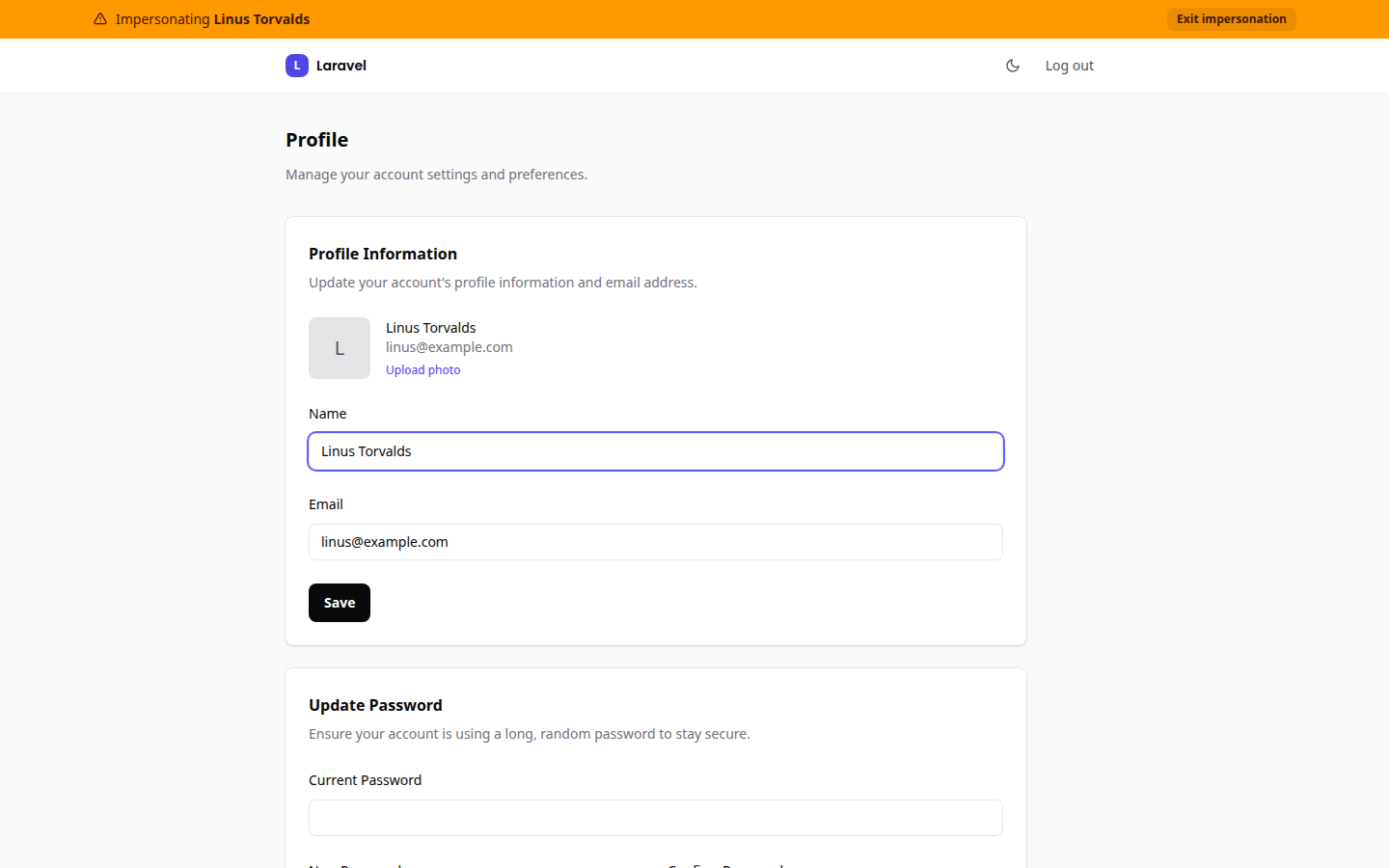
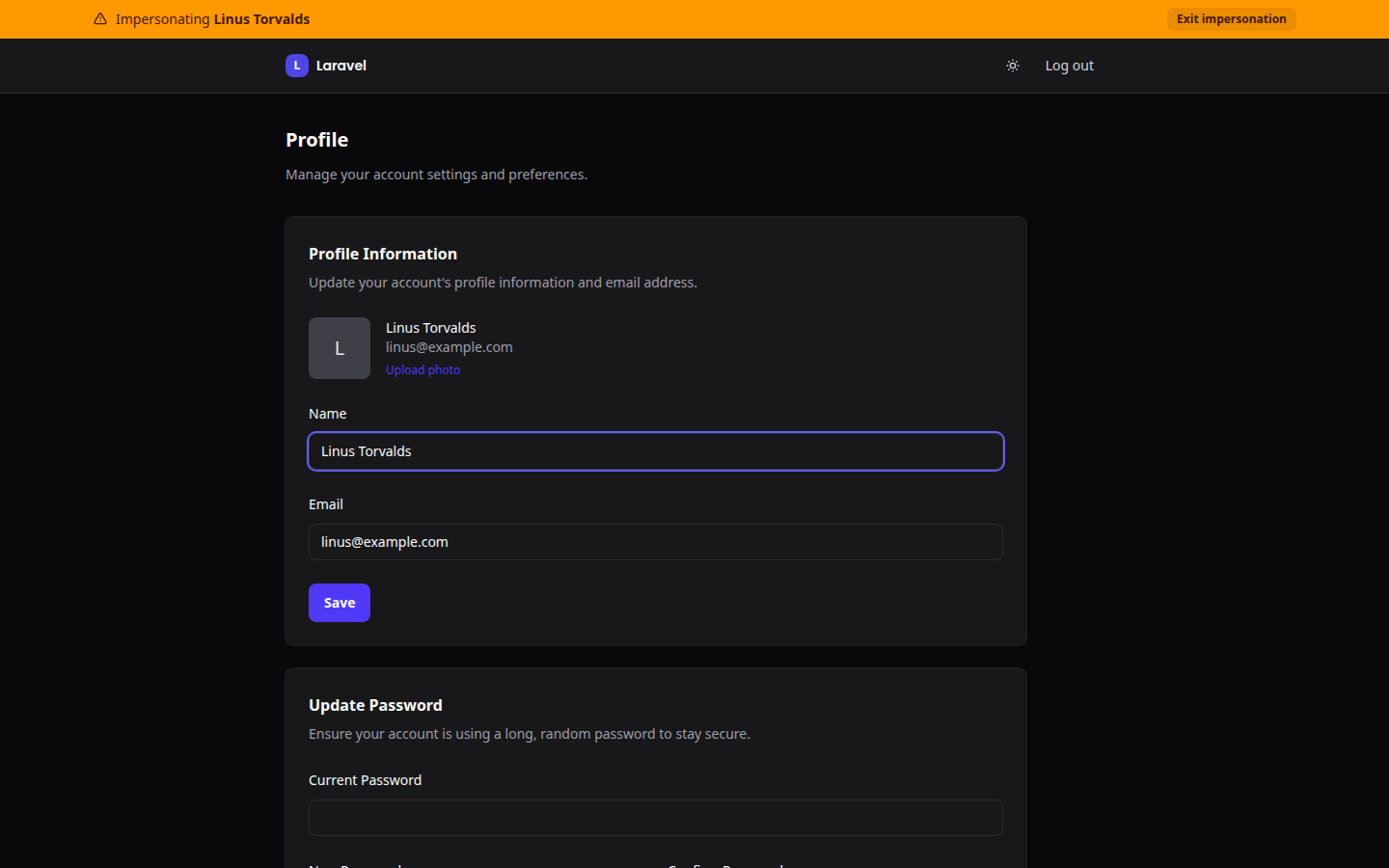
Sign in as a user from the admin to see what they see, with a ribbon on every page until you leave. Two Blade partials over lab404/laravel-impersonate.
What it adds
| File | Purpose |
|---|---|
resources/views/partials/impersonation-banner.blade.php | The ribbon. <x-ui-kit::banners /> includes it automatically when impersonating. |
resources/views/partials/impersonation-button.blade.php | A Login as button for a user row |
canImpersonate() and canBeImpersonated() in app/Models/Concerns/UiKitUser.php | Admins can impersonate; nobody can impersonate an admin |
Install
php artisan ui-kit:install-module impersonation
Composer: lab404/laravel-impersonate:^1.7.5.
What the installer changes
- Publishes the package config to
config/laravel-impersonate.php. - Regenerates the
UiKitUsertrait with the two methods and re-applies it.
Register the routes
lab404/laravel-impersonate ships its two routes as a router macro that the
app has to call. The installer does not add it yet, and the partials link to
those routes, so without this line a page that includes the button fails with
Route [impersonate] not defined.
// routes/web.php
Route::middleware('auth')->group(fn () => Route::impersonate());
That registers GET /impersonate/take/{id} as impersonate and GET /impersonate/leave as impersonate.leave.
Add the button
Include the partial next to each user in your users list or detail view:
@include('partials.impersonation-button', ['user' => $user])
It renders only when the current user can impersonate, the target can be impersonated, and the two are not the same user.
After taking over
The package redirects to take_redirect_to from its config, / by default, and the ribbon appears on every page that renders <x-ui-kit::banners />, which all three kit layouts do. Exit impersonation in the ribbon returns you to your own session.
Removing
Delete the two partials, remove the Route::impersonate() line and the @include, remove the two methods from the trait, remove impersonation from installed_modules, and composer remove lab404/laravel-impersonate.