Quickstart
From an empty folder to a signed-in admin panel in about ten minutes. The kit is auth pages, a working two-factor flow and an admin shell for Laravel 12, installed by one Artisan command. MIT licensed.
Requirements
| PHP | 8.2 or newer |
| Laravel | 12. Laravel 13 is allowed by the Composer constraints; its CI leg is experimental. |
| Frontend | Tailwind CSS v4 with Vite, which is what a fresh Laravel 12 app ships |
| Node | 18 or newer, for the Vite build |
| Livewire | 3.6 and Volt 1.7. Both arrive with the kit through Composer. |
The kit targets a fresh app. Installing it over Breeze, Jetstream or hand-written auth collides on routes and views; Why this kit explains the rule and what the preflight check does when it finds existing scaffolding.
1. Create the app
laravel new my-app
cd my-app
composer create-project laravel/laravel my-app works the same way. When the Laravel installer asks, pick:
| Prompt | Pick | Why |
|---|---|---|
| Starter kit | None | The kit is the auth and admin scaffolding. Every starter kit collides with it. |
| Frontend | Blade | Plain Vite plus Tailwind CSS v4, which the kit's theme file plugs into. Livewire and Volt come with the kit. |
| Testing framework | Pest or PHPUnit | No interaction with the kit. |
| Database | Any. SQLite is fine. | The kit's migrations run on anything Laravel supports. |
Run npm install and migrations | Yes | The installer expects resources/css/app.css and resources/js/app.js to exist, and migrates on top of the base tables. |
2. Require the kit
composer require shipbytes/laravel-ui-kit
The service provider is auto-discovered. Fortify, Livewire, Volt and the disposable-email check come along as dependencies.
3. Run the installer
php artisan ui-kit:install
The installer publishes the core, then prints a numbered list of the seven optional modules and waits for your picks: comma-separated numbers, all, or Enter for core only. The picker is a plain numbered list on purpose, so it works in every terminal.
Optional modules:
   1. admin-middleware — Route gating via roles/permissions. Falls back to an is_admin boolean column if skipped.
   2. support-tickets — Admin ticket queue with replies, status filters, and open-count sidebar badge.
   3. changelog — Admin-authored changelog entries with a public feed endpoint.
   4. contacts — Inbox for public contact-form submissions.
   5. profile — Self-service name/email/password/avatar + two-factor authentication.
   6. impersonation — Login-as-user from admin, with an exit-impersonation ribbon.
   7. activity-log — Audit trail via spatie/laravel-activitylog + admin viewer.

Type comma-separated numbers to install (e.g. 1,3,5), all for everything, or press Enter to install core only.
>
For scripts and CI, skip the prompt:
php artisan ui-kit:install --modules=profile,support-tickets
php artisan ui-kit:install --modules=all --no-interaction
Modules can be added later with ui-kit:install-module; see Modules. What the installer changes in the app is listed under What the installer did below.
4. Finish wiring
The installer ends with a checklist of the things it cannot do for you. There are three.
Mail. Password reset and email verification send mail, so set the MAIL_* keys. For local work the log driver is enough:
MAIL_MAILER=log
MAIL_FROM_ADDRESS="[email protected]"
MAIL_FROM_NAME="${APP_NAME}"
Assets. Build once, or leave the dev server running:
npm install && npm run dev
Your first admin. Register through the UI at /register, then promote that account:
php artisan ui-kit:make-admin [email protected]
With no email the command promotes the first user. It assigns the Spatie admin role when the admin-middleware module is installed and sets the is_admin flag when that column exists, whichever mechanisms are present.
5. Sign in
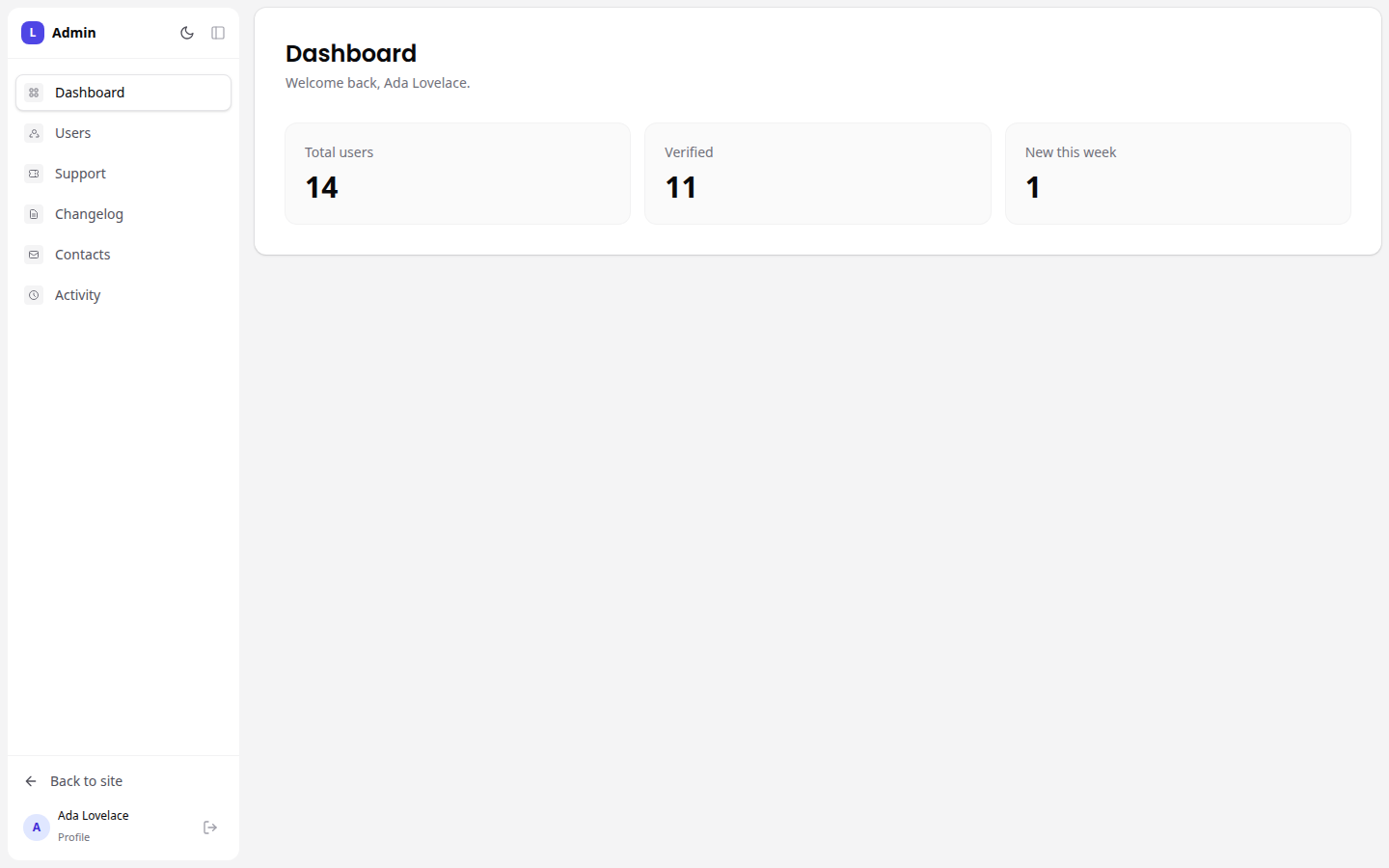
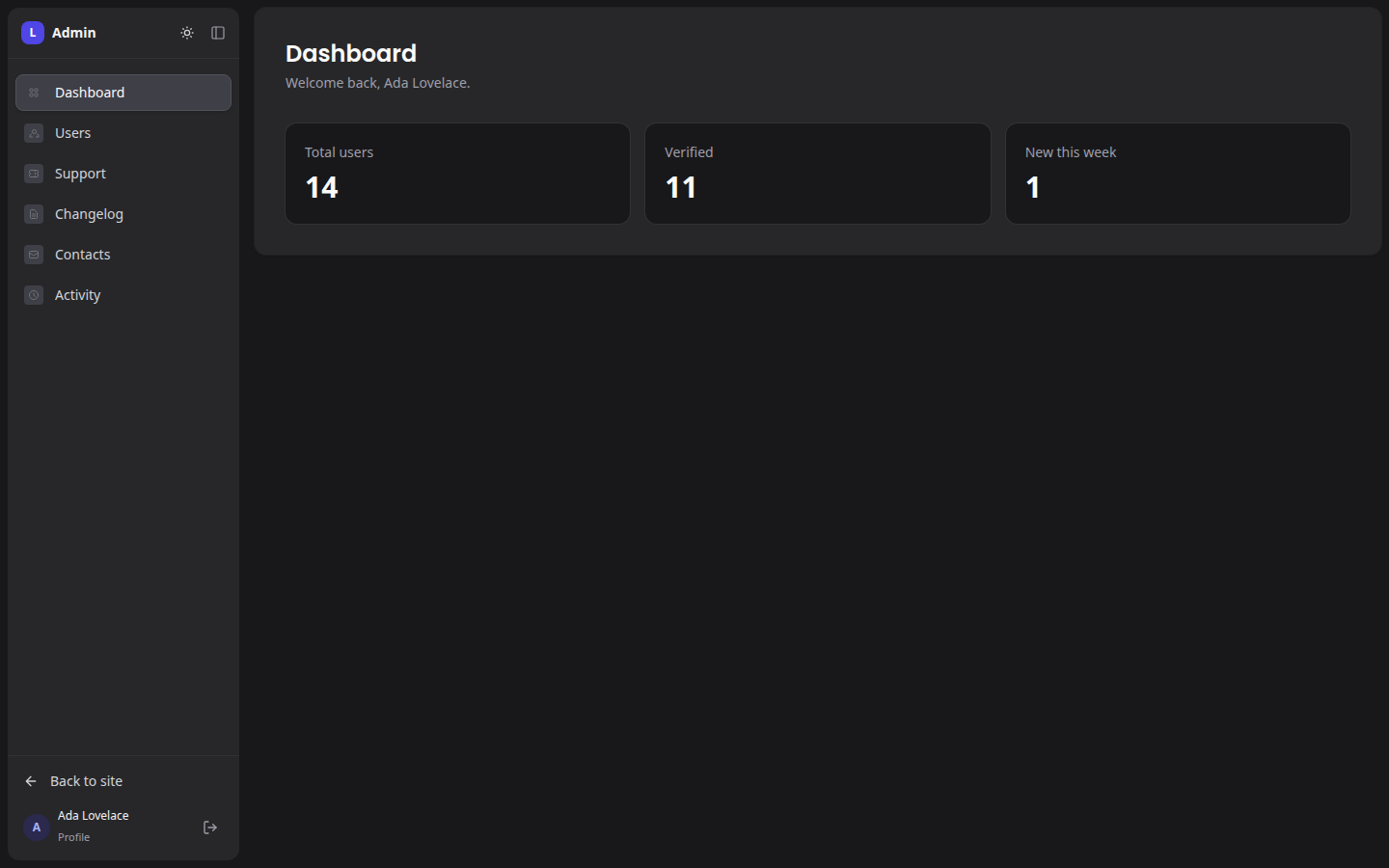
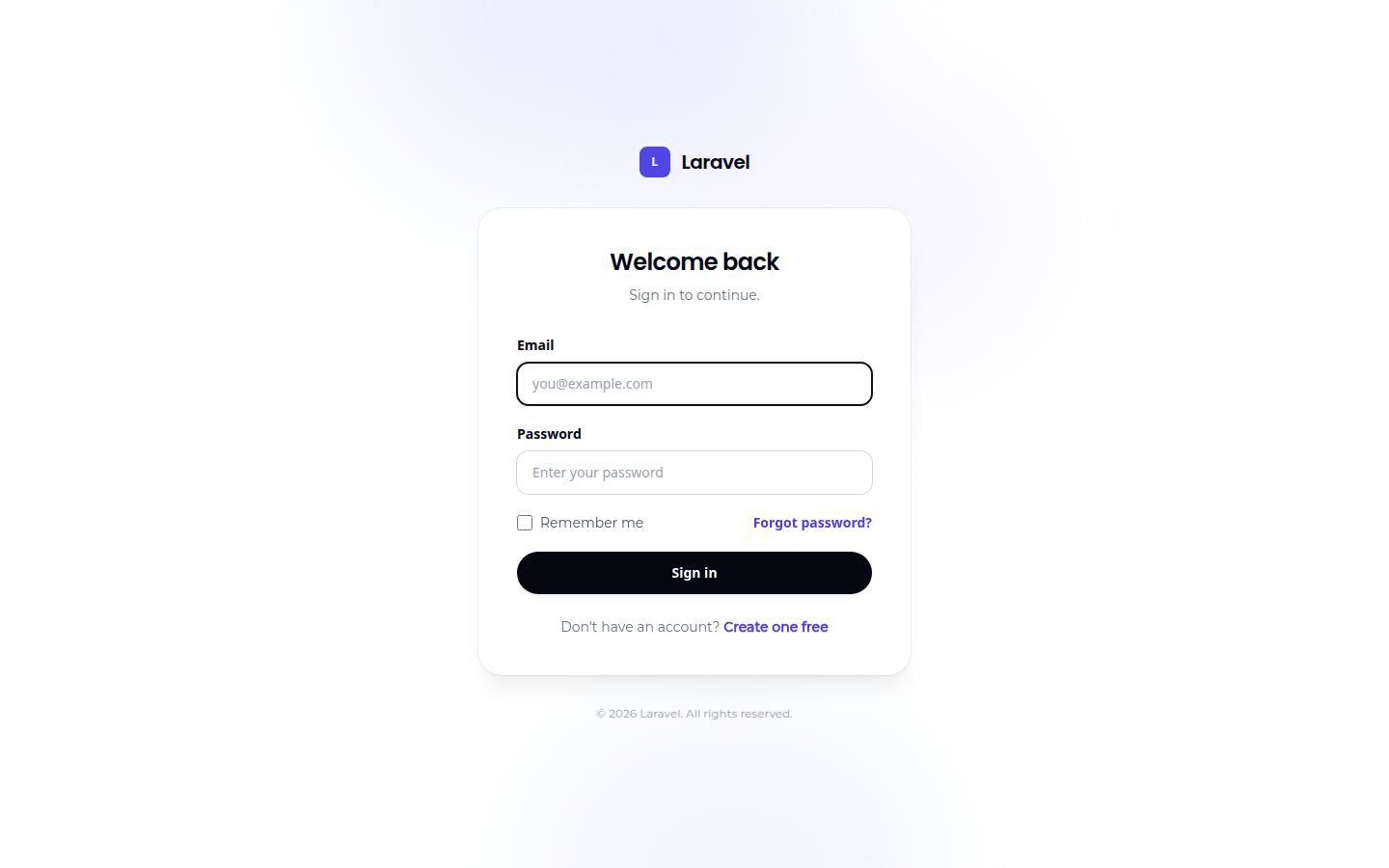
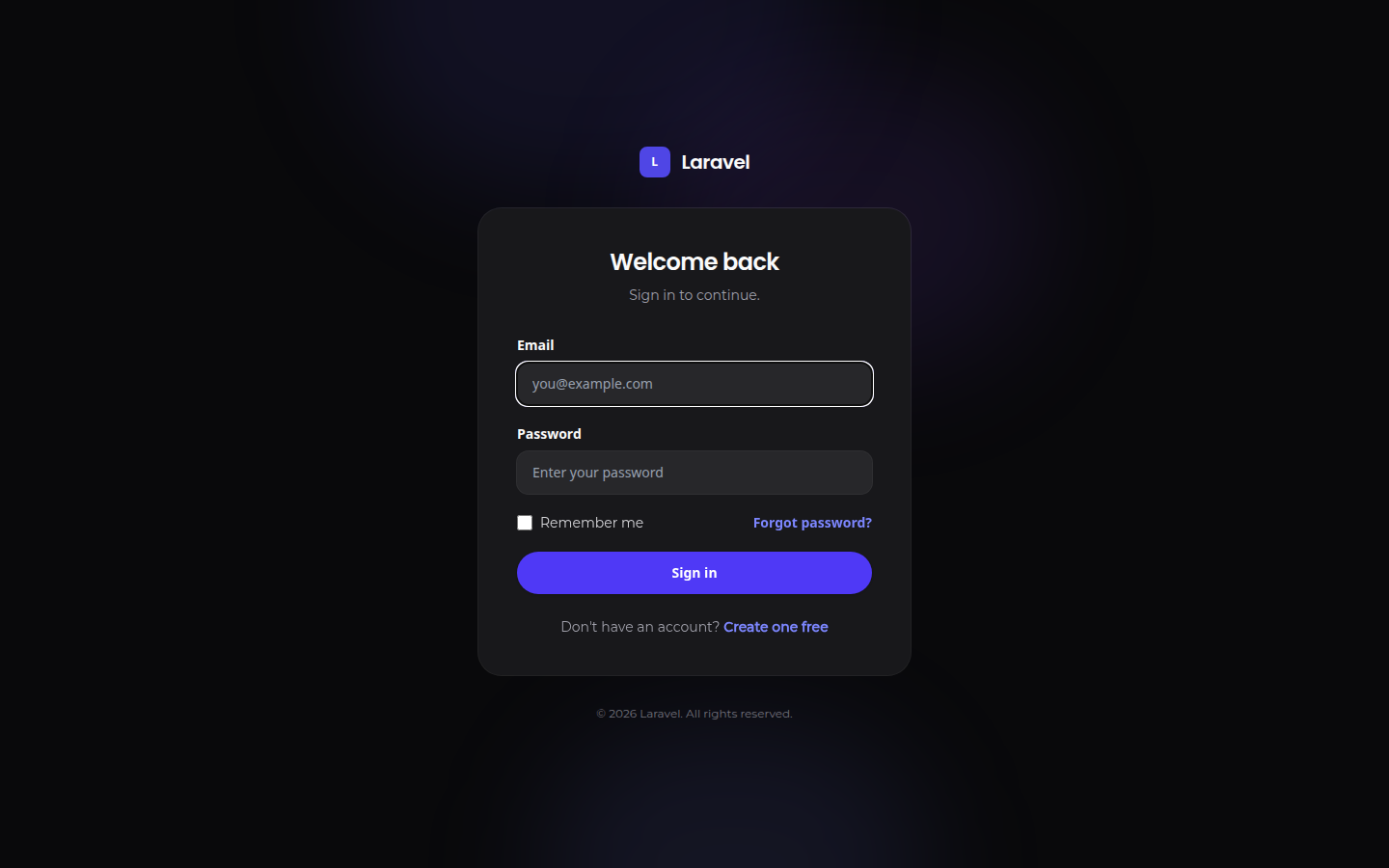
Open /login, sign in, and go to /admin.
If anything looks wrong, run the health check first. It verifies published files, the Fortify flags, the Vite imports, the user trait, storage link, two-factor columns, duplicate route names and the mail sender, and prints the fix for each failure:
php artisan ui-kit:doctor
The stock Laravel welcome page shows logged-in users a Dashboard button
that links to /dashboard, a route neither Laravel nor the kit registers. The
kit's panel is at /admin. Point that button there or replace the welcome
page.
What the installer did
- Published the kit's config (
config/ui-kit.php,config/admin.php), views, Livewire components, CSS and JS, route files and migrations into your app. They are yours to edit. - Published
config/fortify.phpand patched it:views => falseso Fortify does not register its own auth pages against the kit's,home => /, and the passkeys feature commented out because the kit ships no passkey UI. - Added
@import './ui-kit.css';toresources/css/app.cssandimport './ui-kit';toresources/js/app.js. - Published Fortify's two-factor columns migration and ran
php artisan migrateonce, after every module's migrations were queued. - Generated
app/Models/Concerns/UiKitUser.phpwith exactly the traits your modules need and applied it toapp/Models/User.php. The patch is lint-checked and reverted if it would break the file; only then does the checklist ask you to add the trait by hand. - Auto-loads
routes/auth.php,routes/admin.phpandroutes/ui-kit-user.phpfrom the service provider. Only files carrying the// ui-kit:managedheader are loaded, so a pre-existing route file is never hijacked. - Registered
loginandtwo-factorrate limiters unless your app already defines them.
Next
- Core: every page and command that ships whether or not you pick a module.
- Modules: what each of the seven adds, with a page per module.
- Customising: brand, navigation, theme tokens and overriding views.